
距离上次更新已经 1286 天了, 文章内容可能已经过时。
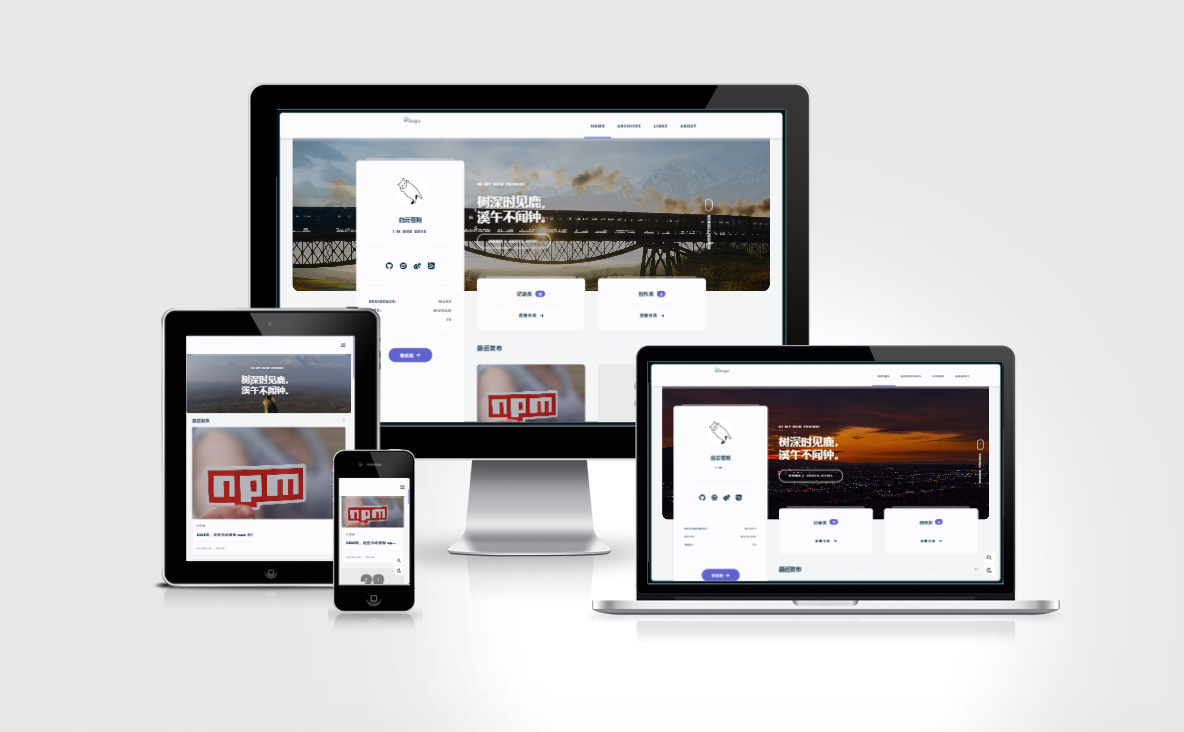 预览图
预览图
前提
本主题为 Hexo 主题,请确保您对 Hexo 已有基本了解 。详请参见 Hexo 官网。
开始前,请确保您的 Hexo 初始化工作已经准备完成,请参考 Hexo 安装。本主题依赖于 Node 14.x 以上版本,请注意您本地 Node 环境。
主题安装
进入您的 Hexo 博客根目录,执行如下命令,安装主题:
bash
npm i hexo-theme-async@latestbash
yarn add hexo-theme-async@latest如果您没有 ejs 与 less 的渲染器,请先安装:hexo-renderer-ejs 和 hexo-renderer-less。
bash
npm install --save hexo-renderer-less hexo-renderer-ejsbash
yarn add -D hexo-renderer-less hexo-renderer-ejs启用主题
修改 Hexo 博客配置文件 _config.yml,到此运行起来就 Hexo-Theme-Async 主题就生效啦。
yaml
# 将主题设置为 hexo-theme-async
theme: async
关于主题配置修改,可以参考 hexo-theme-async 文档
演示视频
- 安装
- 配置
- 运行源码
- 在线体验
安装示例视频,更多视频前往这里
- 本文链接:
- 版权声明:本博客所有文章除特别声明外,均默认采用 CC BY-NC-SA 4.0 许可协议。
其他文章

LLM Agent 常用范式详解
- 26-03-17
- 02:35
- 记录类